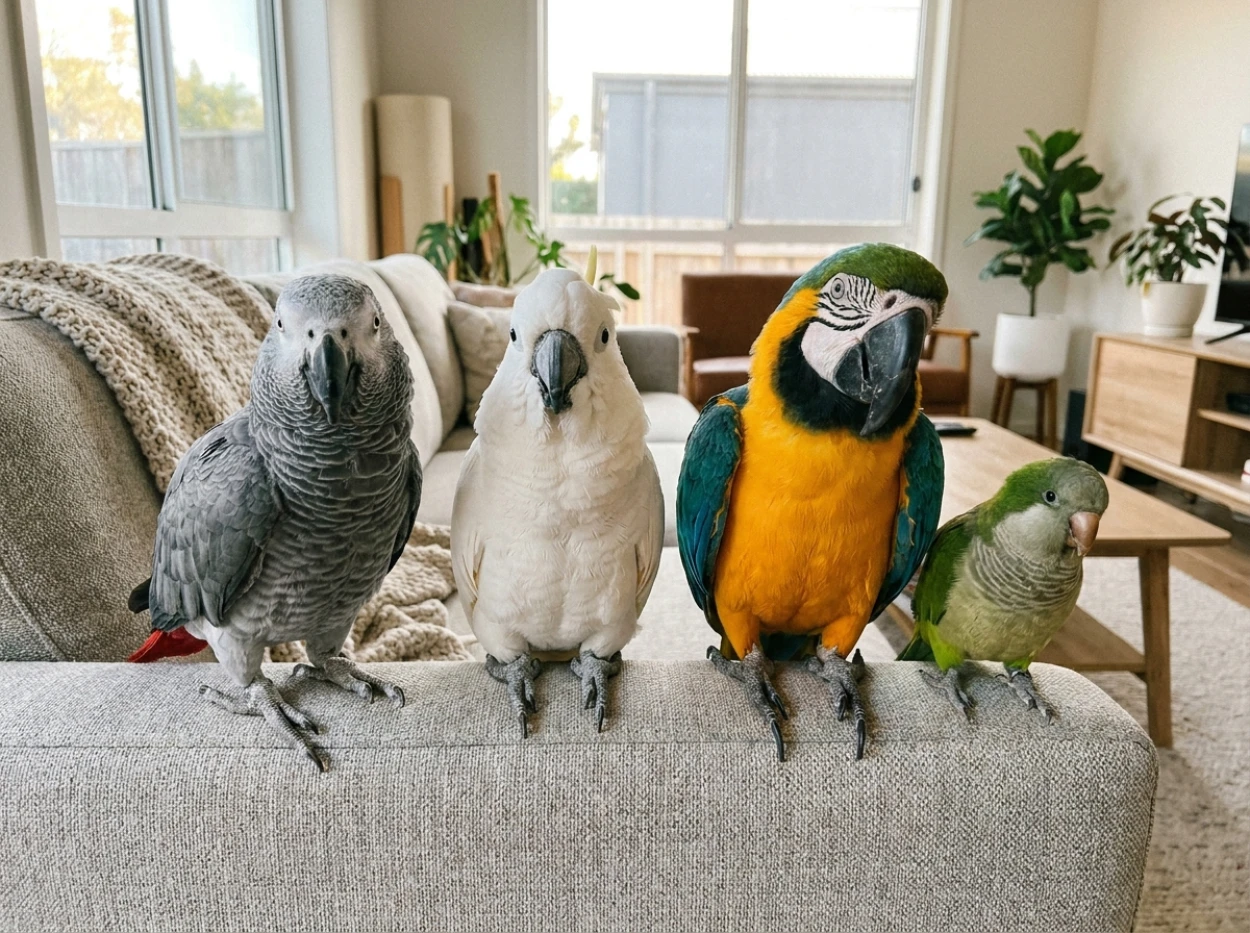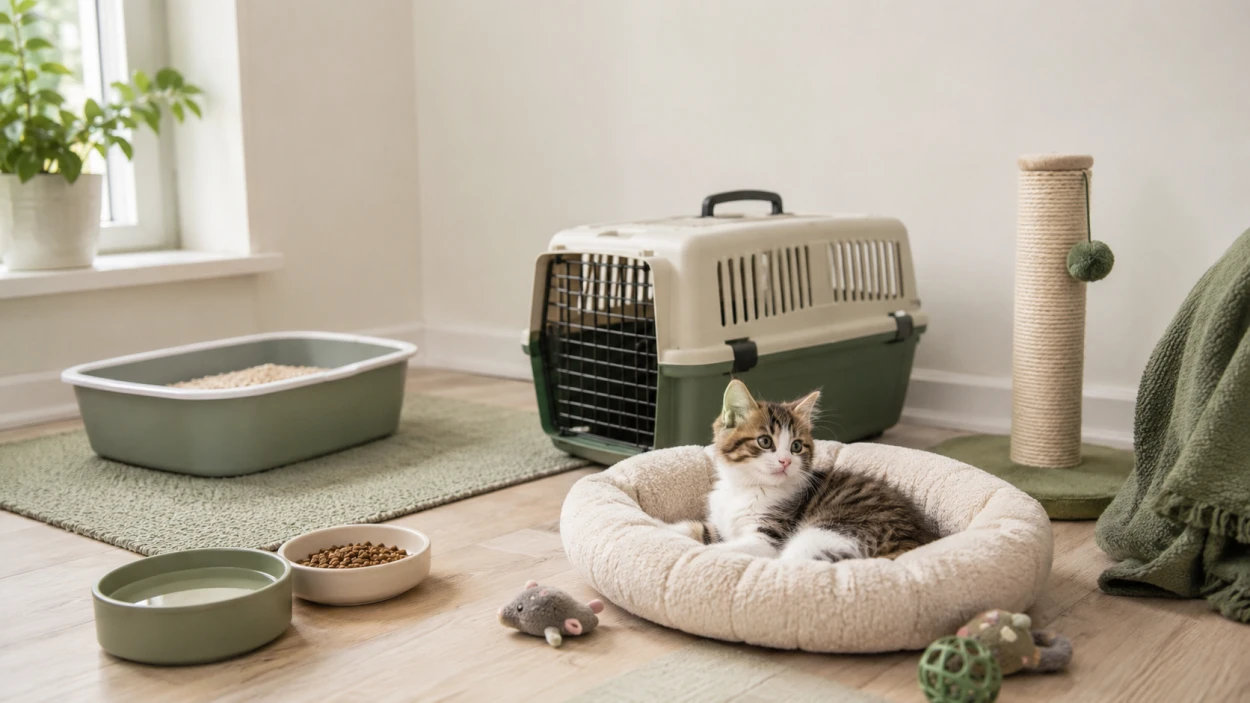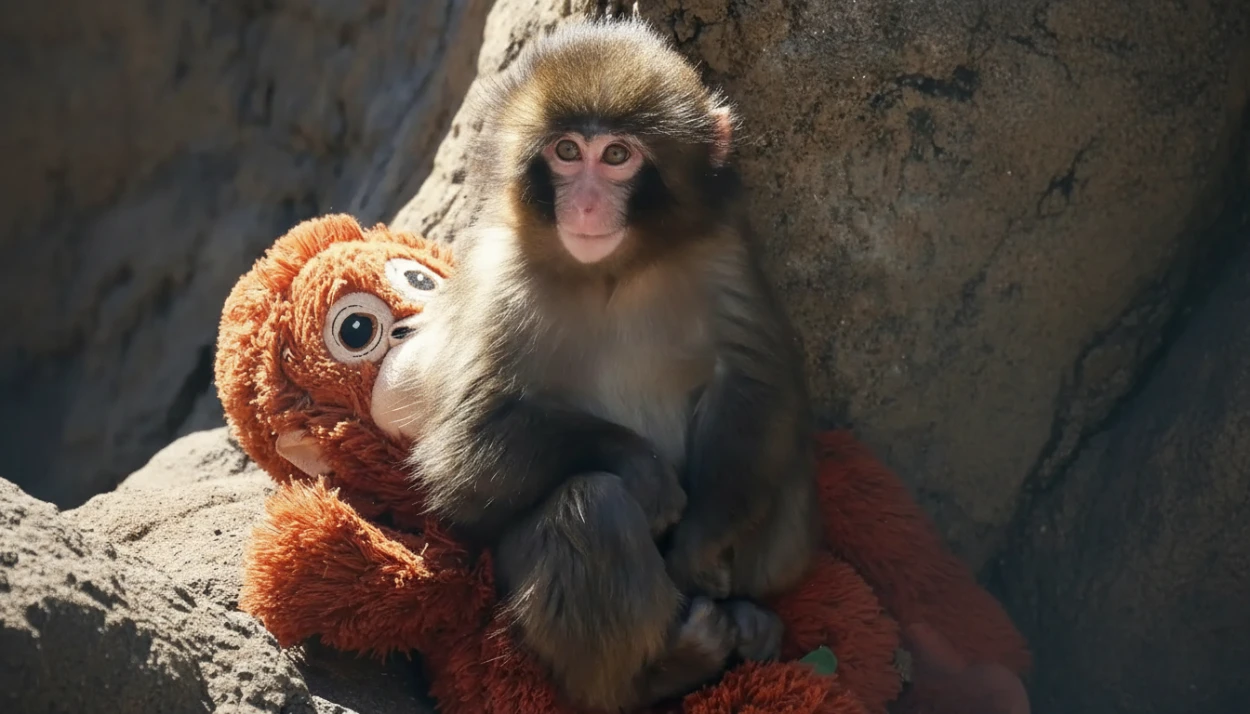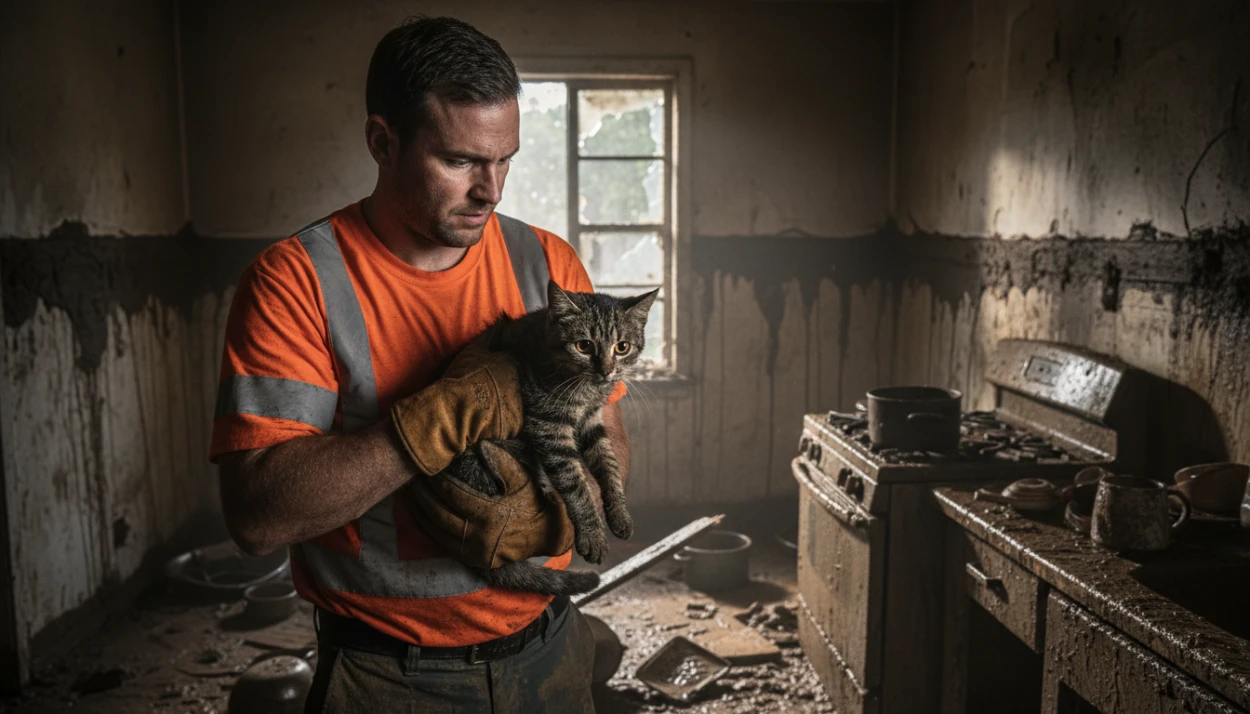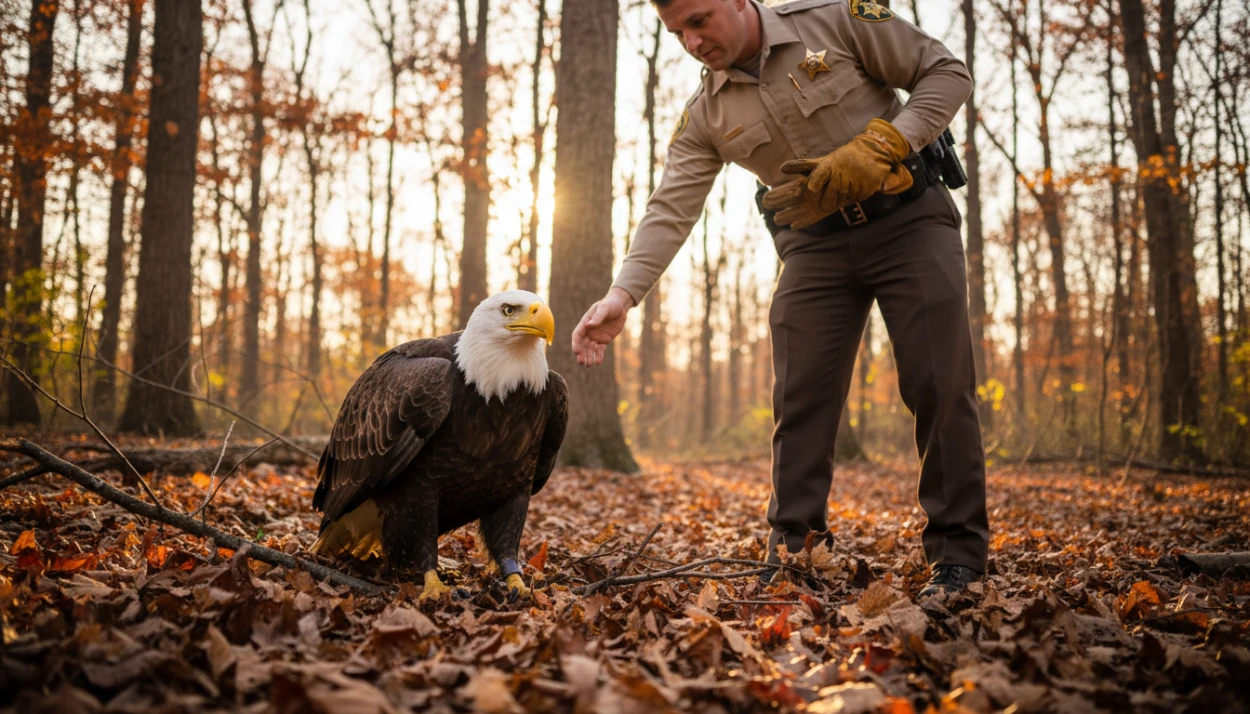












A practical guide for pet parents and animal-content creators who want to turn a strong still photo into a short, playful motion concept without losing the personality of the original moment.
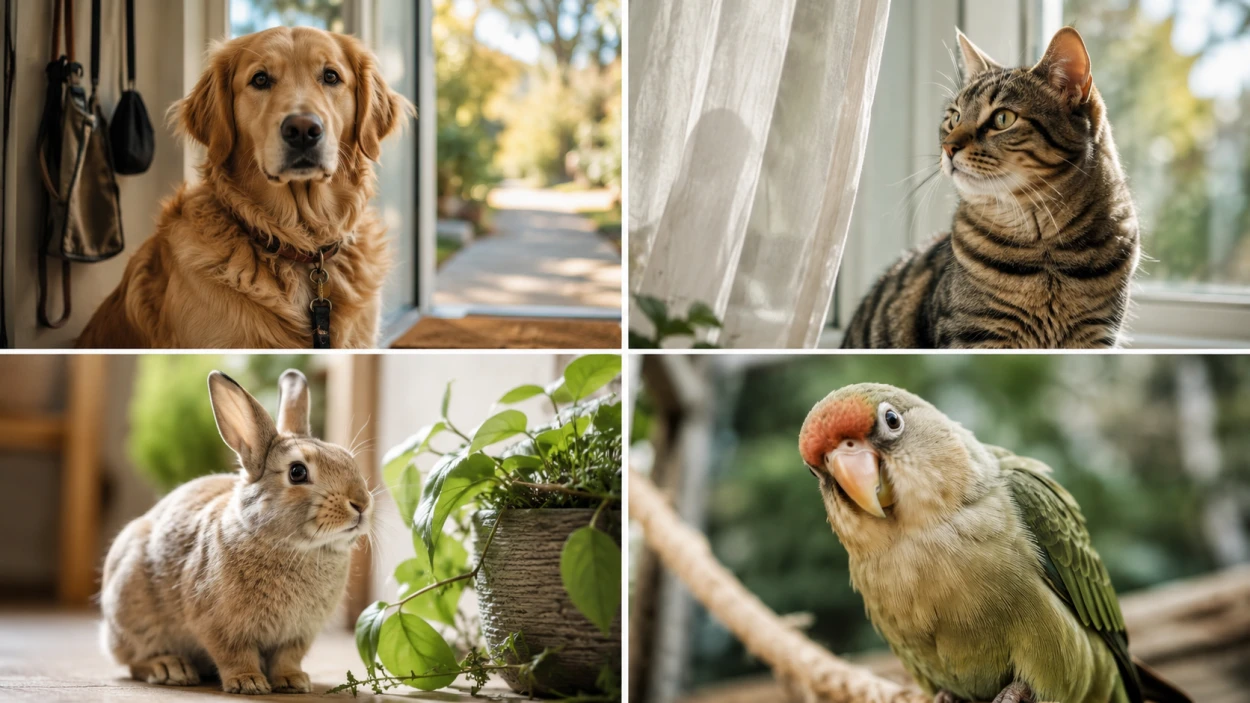
Pet photos often work because they capture one small expression: a dog waiting for a walk, a cat watching something outside the frame, a rabbit pausing beside a plant, or a bird leaning toward the camera. A short motion clip can build on that moment, but the strongest result usually starts with a clear idea rather than a long list of effects.
The useful question is not “How much movement can I add?” It is “What tiny change would make this photo feel like the next few seconds of the same story?” That approach keeps the pet at the center and makes the creative process easier to control.
Start With a Pet Photo That Already Tells a Story
Look first at what the still image already communicates. A dog leaning toward a ball suggests anticipation. A sleepy cat near a window suggests calm. A parrot with its head tilted toward the camera suggests curiosity. When the pose already carries a mood, you do not need to invent a completely different scene.
Check the frame before you animate it. The pet should be easy to identify, important body parts should not be awkwardly cropped, and distracting objects should not compete with the subject. If the background is busy, a quieter source image may be easier to work with than trying to solve everything through motion.
If you want to compare an image-animation workflow while planning these experiments, one option to review is image to video ai free unlimited without login by Vidou. Before building a repeatable workflow around any tool, check the current access conditions shown on the live page, because availability and account requirements can change.
Then decide what should stay still. That is as important as deciding what should move. A portrait may only need a slight camera push, a soft breeze in the fur, or subtle background motion. Keeping the action restrained can help the original expression remain recognizable instead of turning the clip into an unrelated effect demo.
A quick source-photo check can include:
- One obvious animal subject or focal point
- Enough space around the pet for gentle movement
- Clear lighting and visible facial features when the face matters
- A background that supports rather than overwhelms the scene
- A photo you have the right to use and transform
Plan Motion Around One Pet Behavior
A short clip benefits from one main action. When several movements compete at once, the viewer may not know where to look. Choose the behavior that best matches the photo and make everything else secondary.
For a relaxed cat portrait, the main action might be a slow head turn or a small ear movement while curtains shift in the background. For a dog outdoors, the main action could be a gentle look toward the camera while grass or fur moves in a light breeze. For a bird, the focus might be a subtle body adjustment while the camera drifts slightly closer.
Write prompts as if you are giving direction for a tiny scene. Start with the subject, then the movement, then the camera or atmosphere. For example:
- “Golden retriever looks slightly toward the camera, fur moves gently in the breeze, slow camera push-in.”
- “Tabby cat remains relaxed by the window, ears move subtly, curtain shifts softly, warm afternoon light.”
- “Rabbit pauses in the garden, small head movement, leaves sway lightly, gentle camera drift.”
These prompts describe a direction rather than demanding a dramatic transformation. You can refine one element at a time if the motion feels too busy.
Use Camera Movement Sparingly
Camera direction can make a still image feel more cinematic without asking the animal itself to perform a complicated action. A slow push-in can emphasize expression. A gentle pullback can reveal more of the environment. A small left-to-right pan can make a wider scene feel more active.
The key is to choose one camera idea that supports the subject. If you combine a zoom, pan, tilt, rotation, fast background movement, and major character motion in the same short clip, the result may feel less like a natural extension of the photo and more like a collection of effects.
Think in terms of visual hierarchy. The pet is the first priority. The camera is second. Background motion is third. If the background becomes the most noticeable part of the clip, reduce it.
It also helps to avoid creating motion that contradicts the image. A pet lying comfortably on a bed does not need a sudden running sequence. A close-up portrait may work better with subtle expression and camera movement than with a major change of pose.
Match the Format to Where the Story Will Live
Before generating the final version, decide where you expect to share it. A portrait-oriented composition may suit a vertical feed, while a wide landscape can work better for a horizontal post, website section, or presentation. A square frame can be useful when the subject is centered and you want a compact composition.
Do not crop automatically without checking what the new frame removes. Ears, paws, tails, toys, bowls, and nearby people can all be important to the story. If a vertical crop cuts away the action, it may be better to choose a different source photo rather than force the composition.
The same principle applies to text overlays. If you plan to add a caption later, leave some negative space in the image rather than covering the pet's face. Keep any on-screen text short and readable, and let the visual carry most of the story.
Keep Generated Motion Safe, Respectful, and Clear
Pet content is most enjoyable when the creative edit does not misrepresent harm, distress, or a real event. Avoid fabricating scenes that make an animal appear injured, endangered, rescued, mistreated, or involved in a dramatic incident that never happened. The same caution applies to misleading “before and after” stories.
Use source images that you own, have permission to use, or are otherwise licensed for your intended purpose. If a photo includes another person, get appropriate permission before using their likeness in a transformed clip. For recognizable locations, branded items, or copyrighted artwork, consider whether you have the necessary rights for the way you plan to publish the result.
If the edit is heavily synthetic or could be mistaken for a real recording, a simple disclosure can help set the right expectation. The goal is not to make every playful motion clip look documentary-real. It is to create an entertaining visual while keeping the context honest.
Also review the final clip before posting. Look for odd anatomy, unexpected objects, unnatural background changes, or motion that changes the meaning of the original image. If something looks wrong, revise the prompt or use a cleaner source photo.
Build a Repeatable Mini Workflow
A simple process makes it easier to create a series without starting from zero every time.
Before You Animate
- Pick a rights-cleared photo with one clear subject.
- Identify the mood already present in the frame.
- Decide on one main motion.
- Choose one supporting camera movement, if needed.
- Decide where the finished clip will be published.
While Writing the Prompt
- Name the pet or subject type.
- Describe one primary action.
- Add one camera instruction.
- Add atmosphere only if it supports the scene.
- Keep the direction short enough to revise easily.
Before You Publish
- Watch the entire clip more than once.
- Check the animal's face, legs, paws, tail, and surroundings for visual errors.
- Confirm that the crop fits the intended destination.
- Add captions or disclosure where appropriate.
- Make sure the final post does not imply a real event that did not happen.
Final Thoughts
The best pet-photo motion ideas usually begin with observation. Notice the expression, posture, background, and little details that already make the image memorable. Then add only the movement that helps the viewer stay with that moment for a few seconds longer.
A clear source photo, one main action, restrained camera direction, thoughtful framing, and a final safety check are enough to build a useful creative routine. The technology is only one part of the process; the story still comes from the pet and the moment you chose to capture.